.jpeg)
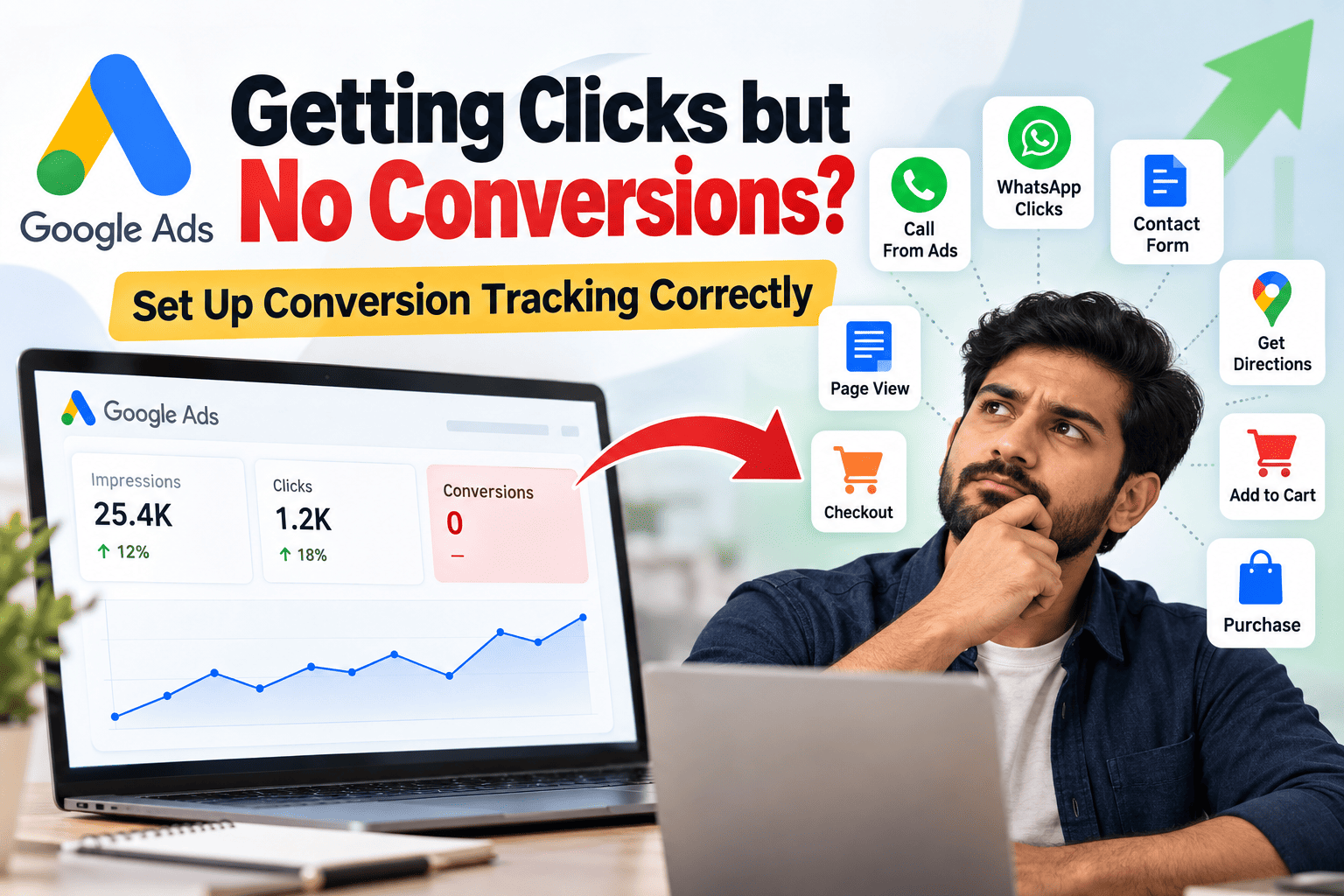
# Google Ads Getting Clicks but No Conversions? Set Up Conversion Tracking Correctly
Running Google Ads and seeing impressions and clicks is a good start, but clicks alone do not mean your campaign is generating business.
If people are clicking your ads but you are not seeing conversions, one important thing to check is your **Google Ads conversion tracking setup**.
A properly configured conversion tracking system helps you understand what happens after someone clicks your advertisement.
Why Clicks and Impressions Are Not Enough
Imagine your Google Ads campaign receives
- 10,000 impressions
- 500 clicks
- 25 people visit your website
- 10 people contact you
- 5 people call your business
- 3 people send a WhatsApp enquiry
If you only look at clicks, you may think the campaign is performing well.
But the real question is
**How many people actually took an action that can generate business?**
This is why conversion tracking is extremely important.
What Is a Conversion in Google Ads?
A conversion is a valuable action that a visitor takes after interacting with your advertisement.
Depending on your business, a conversion could be
- Phone call
- WhatsApp enquiry
- Contact form submission
- Booking request
- Get Directions
- Purchase
- Checkout
- Add to Cart
- Product page visit
- Lead form submission
- Appointment booking
The right conversion goals depend on your business model.
Important Google Ads Conversion Goals to Track
1. Calls From Ads
If your business depends heavily on phone enquiries, you should track calls generated directly from your Google Ads.
For example
**Google Search Ad → User clicks Call → Phone call**
This allows you to measure how many calls your advertising is generating.
2. Website Phone Number Clicks
If your website has a phone number or "Call Now" button, track clicks on that button as an important action.
This is especially useful for service businesses such as
- Courier companies
- Doctors
- Consultants
- Digital marketing services
- Real estate businesses
- Repair services
- Local businesses
3. WhatsApp Clicks
For businesses that receive enquiries through WhatsApp, tracking the WhatsApp button click can be extremely useful.
For example
**Google Ad → Website → WhatsApp button → Customer starts enquiry**
You can create a conversion event for the WhatsApp button so that Google Ads can understand that the visitor took an important action.
Keep in mind that a WhatsApp click is usually a lead signal, not necessarily a confirmed sale.
4. Contact Form Submission
If your website has a contact form, track successful form submissions.
For example
**Name + Phone Number + Message → Submit → Thank You Page**
The conversion should ideally happen after the form is successfully submitted rather than simply when someone opens the form.
5. Get Directions
For local businesses, getting directions can be a valuable customer action.
Someone searching for a nearby business may click
**Get Directions → Google Maps → Business Location**
Tracking this type of action can help you understand local customer intent.
6. Purchase
For an e-commerce website, purchases are one of the most important conversions to track.
For example
**Product → Add to Cart → Checkout → Payment → Purchase**
You can use purchase conversion data to understand which campaigns, keywords and ads are generating actual sales.
7. Add to Cart
Add-to-cart events can help you understand where customers are dropping out of the buying journey.
For example
- 100 visitors
- ↓
- 20 Add to Cart
- ↓
- 10 Checkout
- ↓
5 Purchases
This gives you much more information than simply looking at clicks.
8. Checkout
Tracking checkout activity can help identify potential customers who are moving further into the purchase process.
If you have many checkout events but very few purchases, the problem may be somewhere in the checkout or payment process rather than the advertisement itself.
Your Conversion Setup Should Match Your Business
Not every business needs the same conversion goals.
For a Service Business
You may want to track
- Phone calls
- WhatsApp clicks
- Contact form submissions
- Appointment bookings
- Get Directions
For an E-commerce Business
You may want to track
- Product views
- Add to Cart
- Begin Checkout
- Purchase
For a Local Business
You may want to track
- Calls
- Get Directions
- Website enquiries
- Booking requests
- WhatsApp clicks
The goal is to track actions that actually matter to your business.
What Happens When Conversion Tracking Is Not Set Up Properly?
You may see plenty of impressions and clicks inside Google Ads, but the campaign may show little or no conversion data.
This creates a major problem.
Google Ads has less information about which users are taking valuable actions.
Without reliable conversion data, it becomes harder to understand
- Which keywords generate leads
- Which ads generate enquiries
- Which campaigns generate customers
- Which locations perform better
- Which devices generate better results
- Which search terms lead to valuable actions
Don't Track Every Click as a Conversion
This is also important.
You should not mark every small interaction as a primary conversion.
For example, a page view can be useful for analytics, but it does not necessarily mean that the person became a lead.
Similarly, a WhatsApp button click indicates intent, but it does not guarantee that the customer actually purchased something.
Your conversion setup should separate **important business outcomes** from smaller engagement events.
Primary and Secondary Conversion Actions
Google Ads allows you to organize conversion actions based on their importance.
For example
- **Primary conversions**
- Purchase
- Qualified lead
- Phone call
- Successful enquiry form
- **Secondary conversions**
- Page view
- Product view
- Add to Cart
- WhatsApp click
The exact setup should depend on your campaign and business goals.
Final Thoughts
If your Google Ads campaign is getting impressions and clicks but you are not seeing conversions, don't immediately assume that the ads are failing.
First, check whether your conversion tracking is properly configured.
Your advertising should not only answer
- **"How many people clicked my ad?"**
It should answer
**"How many people took a valuable action after clicking my ad?"**
Set up the right conversion goals for your business, track calls, WhatsApp enquiries, forms, directions, purchases and other important actions, and use that data to understand the real performance of your Google Ads campaigns.
A properly configured conversion tracking setup gives you a much clearer picture of where your advertising budget is actually going and which customer actions your campaigns are generating.

Yash Deliwala
Google Ads Freelancer and PPC Consultant based in India. Specializing in high-intent Search campaigns, Performance Max, lead generation, and conversion tracking for businesses across India.
Want to Scale Your Business with Google Ads?
Get direct campaign planning, Search ad setup, and lead optimization with Yash Deliwala.
Chat with Yash on WhatsApp