.jpeg)
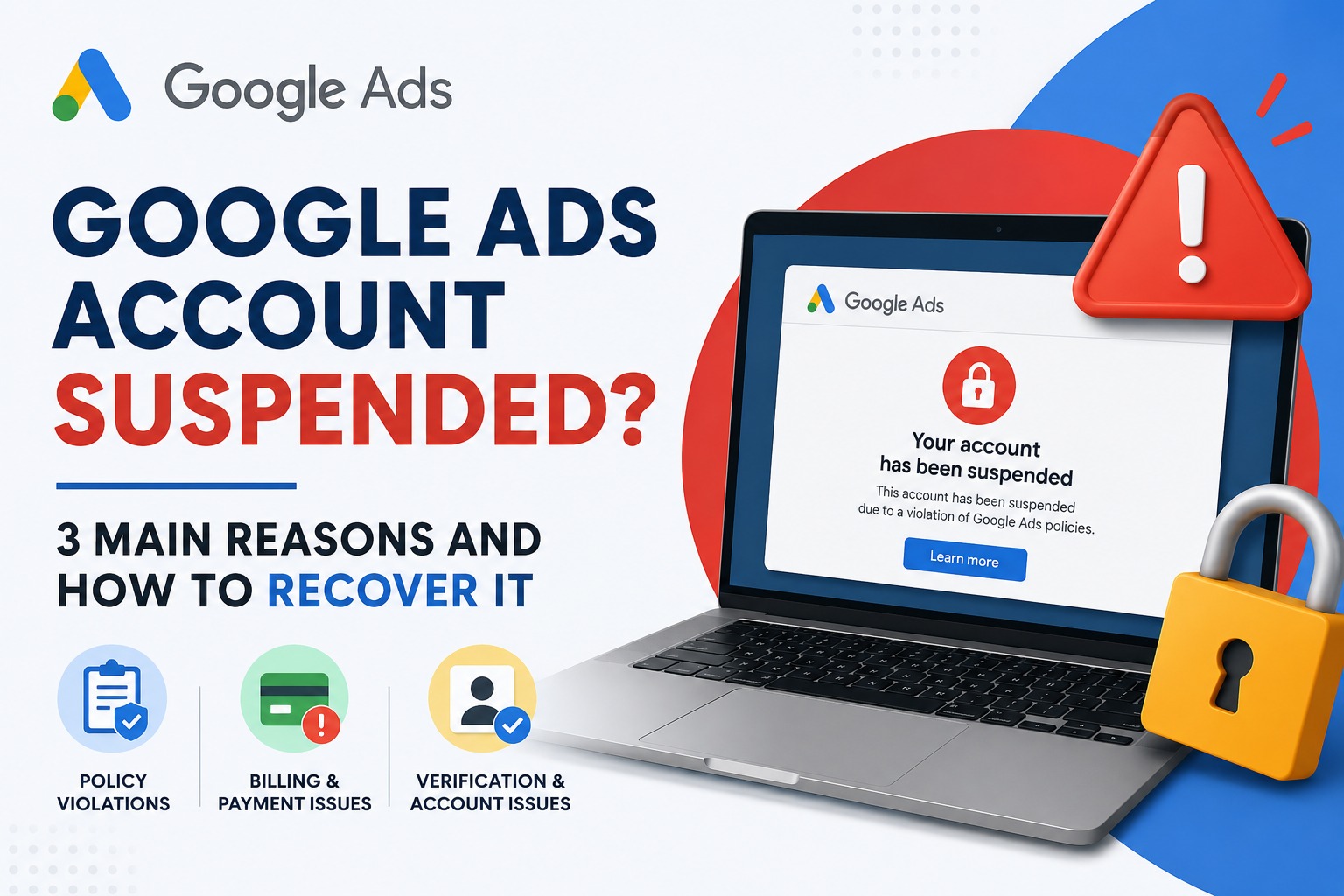
Google Ads Account Suspended? 3 Main Reasons and How to Recover It
Getting a “Your Google Ads account has been suspended” notification can be stressful, especially when your campaigns were running normally and suddenly your ads stop serving.
But there is one important thing you should understand
Do not immediately create a new Google Ads account.
A suspension usually means Google has detected an issue that needs to be investigated and resolved. Creating another account to bypass the suspension can make the situation even more complicated.
I have worked on multiple Google Ads suspension cases, and in many situations, the first step toward recovery is not submitting an appeal immediately.
First, you need to understand why Google suspended the account.
While Google has several different suspension policies, most cases can be understood through three major areas
- Policy violations and website issues
- Billing and payment problems
Verification, security and related-account issues
Let's understand each one.
1. Google Ads Policy Violations
One of the most common reasons for Google Ads suspension is a violation of Google's advertising policies.
Google doesn't look only at the advertisement you created.
It can also evaluate your
- Landing page
- Website content
- Business information
- Claims made on the website
- Products or services
- Payment information
- Account history
Other accounts connected to the business
For example, imagine an advertiser is promoting a service with a claim such as
“Guaranteed Results in 7 Days.”
If that claim cannot be properly supported, it may create a policy problem.
Similarly, problems such as misleading information, unclear business identity, unacceptable business practices, inappropriate destinations or attempts to manipulate Google's advertising systems can result in serious account problems.
Website problems can also matter
Many advertisers make the mistake of checking only their Google Ads campaign.
Instead, check the entire website.
Look for
- Missing contact information
- Incorrect business details
- Broken pages
- Misleading claims
- Missing important business information
- Poor or incomplete landing pages
- Content that doesn't match the advertisement
- Suspicious redirects
Unclear pricing or service information where relevant
Your advertisement and landing page should tell the same story.
2. Billing and Payment Problems
Another important reason for Google Ads suspension is related to billing or payment activity.
Sometimes advertisers assume
“My ads are completely policy compliant, so my account cannot be suspended.”
That's not necessarily true.
Google can take action because of problems related to
- Failed payments
- Unpaid balances
- Payment method issues
- Suspicious payment activity
- Chargebacks
- Incorrect billing information
Payment methods associated with problematic activity
This is why you should always check the Billing & Payments section of your Google Ads account when investigating a suspension.
What should you check?
Before submitting an appeal, review
Billing → Payment methods → Transactions → Account balance
Make sure your payment information is legitimate, current and belongs to the business or authorized advertiser.
If there has been a failed payment or another billing problem, resolve it before submitting your appeal.
3. Verification, Security and Related Accounts
The third major area is account verification and security.
Google may ask advertisers to verify their identity or business information.
Problems can occur when information across different parts of the account doesn't match.
For example
- Business name doesn't match documents
- Incorrect business information
- Verification wasn't completed
- Payment information appears inconsistent
- Suspicious login activity
- Unauthorized account access
- Another related Google Ads account has policy problems
Be careful with creating a new account
This is one of the biggest mistakes I see advertisers make.
Their account gets suspended.
They create another Gmail.
Then they create another Google Ads account.
Then they start advertising again.
Don't treat a new account as a solution to a suspension.
If Google considers the new account related to the suspended account, the new account can also face suspension.
The better approach is to understand the original suspension and resolve the underlying issue.
How to Recover a Suspended Google Ads Account
Now comes the most important part.
How do you actually recover the account?
Don't submit an appeal saying
“Please unsuspend my account. I didn't do anything wrong.”
That doesn't explain anything.
A better recovery process is
Step 1: Read the suspension reason
Log into Google Ads and carefully read the suspension notification.
Look for the specific policy or reason mentioned by Google.
Don't assume the reason.
Read exactly what Google has identified.
Step 2: Audit your website
Go through the website like a Google reviewer.
Check
- Business information
- Contact details
- About page
- Services/products
- Landing pages
- Claims
- Terms and conditions
- Privacy policy
- Refund/cancellation information where applicable
Links and redirects
Fix anything that is inaccurate, misleading or incomplete.
Step 3: Check your billing information
Review your payment methods and transaction history.
Make sure
- There are no unpaid balances
- Payment information is legitimate
- Billing details are accurate
- There are no unexplained payment issues
Step 4: Check account security
Make sure your Google account is secure.
Review
- Login activity
- Users with account access
- Manager accounts
- Linked accounts
- Payment users
Unknown or unauthorized users
If someone else has access to the account, remove unauthorized access and secure the account.
Step 5: Fix the actual problem
This is the step many advertisers skip.
Don't just appeal. Fix first.
If the website has an issue, fix the website.
If the payment information is the problem, resolve the billing issue.
If verification is incomplete, complete the required verification.
If there is a policy violation, understand the policy and make the necessary changes.
Step 6: Submit a clear appeal
Once you've investigated and corrected the issue, submit your appeal through the Google Ads suspension/appeal process.
Your appeal should be
- Honest + Specific + Evidence-based
Explain
- What happened
- What you discovered
- What you corrected
- What you have done to prevent the issue from happening again
Why you believe the account should be reviewed
Avoid making false claims.
Avoid submitting multiple random appeals without making changes.
And most importantly, don't try to manipulate Google's review system.
Can Every Suspended Google Ads Account Be Recovered?
No.
And anyone promising “100% Google Ads suspension recovery” should be treated carefully.
Some suspensions are legitimate and may not be eligible for reinstatement.
The goal isn't to find a trick to bypass Google's system.
The goal is to
Identify → Fix → Verify → Appeal → Wait for Review
That's the correct approach.
Final Thoughts
A Google Ads suspension doesn't necessarily mean your business can never advertise again.
But you need to stop thinking about suspension as simply an “ads problem.”
In many cases, the issue can involve your
Website + Business Information + Billing + Verification + Account History + Related Accounts
That's why a proper audit should come before an appeal.
If you have received a Google Ads suspension and you're not sure what caused it, start by reading the exact suspension reason and investigating the account before making changes.
Don't panic. Don't create another account. Don't submit random appeals.
Find the actual problem first.
About the Author
Yash Deliwala is a Google Ads expert and PPC consultant who helps businesses manage Google Ads campaigns, troubleshoot advertising issues and improve their online lead generation.
If your Google Ads account has been suspended and you need help understanding the issue, you can contact Yash for an account and website review.
One suggestion for your website
Since you're trying to build authority around Google Ads suspension recovery, I'd actually make this the first article in a small 3-blog series
Google Ads Account Suspended? 3 Main Reasons and How to Recover It
Google Ads Getting Clicks but No Leads? 10 Reasons and How to Fix It
Google Ads Suspension Appeal: What to Check Before You Submit an Appeal
That creates a nice SEO cluster around Google Ads suspension + Google Ads troubleshooting + PPC consulting rather than having just one random blog.

Yash Deliwala
Google Ads Freelancer and PPC Consultant based in India. Specializing in high-intent Search campaigns, Performance Max, lead generation, and conversion tracking for businesses across India.
Want to Scale Your Business with Google Ads?
Get direct campaign planning, Search ad setup, and lead optimization with Yash Deliwala.
Chat with Yash on WhatsApp